Shortlist
Save and organize promising candidates.
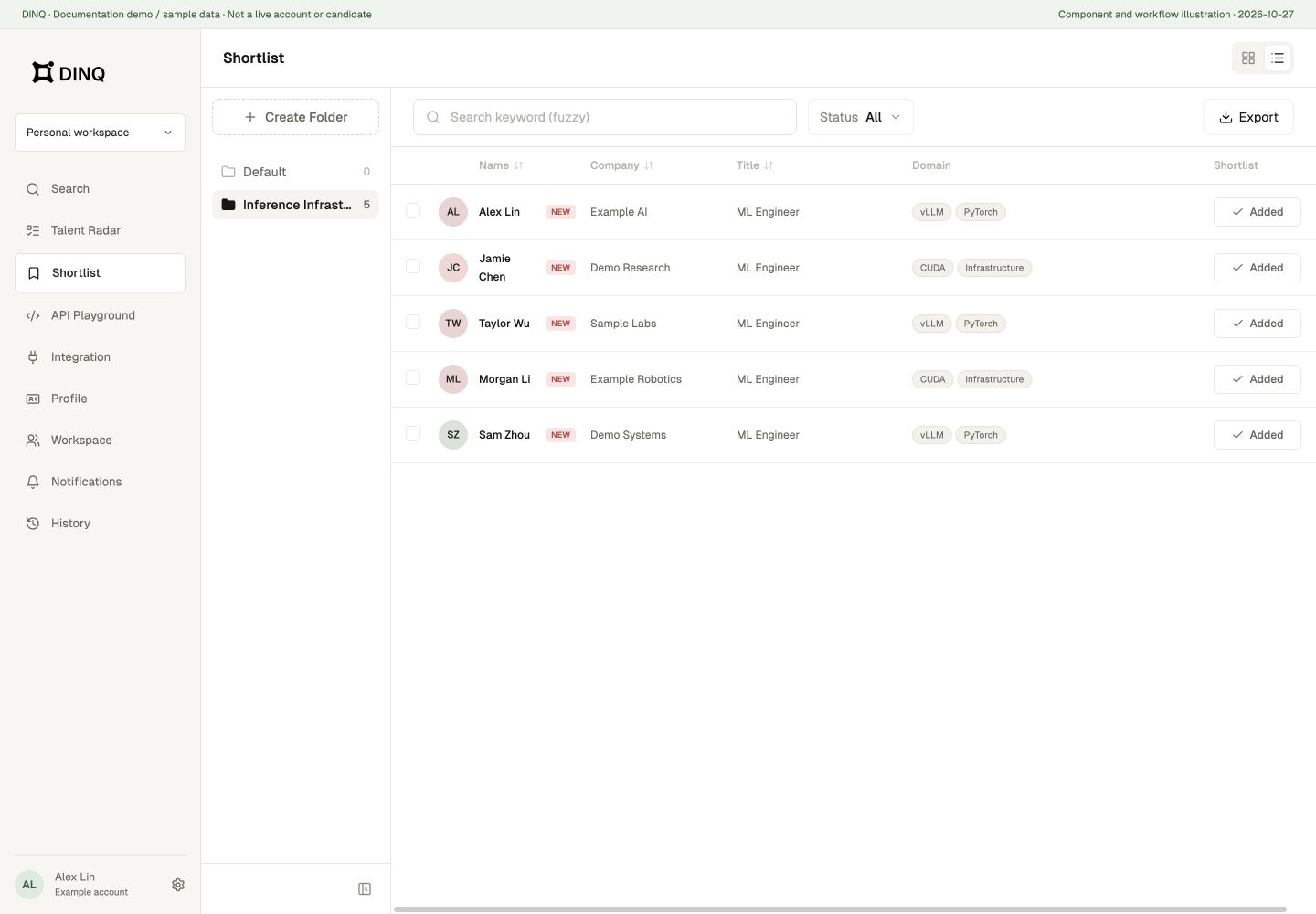
Shortlists help you save promising candidates and organize them by role, project, team, or review stage. Use shortlists to keep track of candidates you want to evaluate further, share with teammates, or revisit later.
When to shortlist a candidate
Consider shortlisting a profile when the candidate:
- Clearly matches the technical requirements of an open role.
- Needs further technical review or profile verification.
- Shows potential for a future role or another team.
- Is ready to be shared with a teammate or hiring manager.
Organize shortlists
To keep your recruiting pipeline clear, name shortlists after your actual workflow, role, or target niche.
Recommended examples:
- Founding ML Engineer - Q2 Pipeline
- AI Infra - High Priority
- Robotics Researchers (US/Remote)
- Pending Hiring Manager Review
Folders, tags, and filters
Create, rename, or delete folders in the Shortlist sidebar. Select candidates to move them to another folder or remove them in bulk. Removing a saved item does not delete that person's public profile.
Switch between table and card views. Use keyword search and status filters; statuses include Not obtained, Email obtained, and Contacted. Tags can record a domain or review category, but do not indicate consent to contact.
The table supports sorting by name, company, and title. Before bulk moves or removals, confirm the current folder and selection count.
Export a shortlist
Choose Export, then CSV or PDF.
- With a selection, export the selected candidates.
- Without a selection, export candidates in the current folder that match the keyword and status filters, not just the rows loaded on screen.
- CSV includes name, company, title, evidence, profile URL, status, tags, and added time.
- PDF supports at most 200 candidates per export. Narrow the scope or export in batches if needed.
Share exports according to your data-handling requirements rather than publishing a private shortlist as public data.