Language
Understand DINQ interface, candidate profile generation, and outreach draft languages.
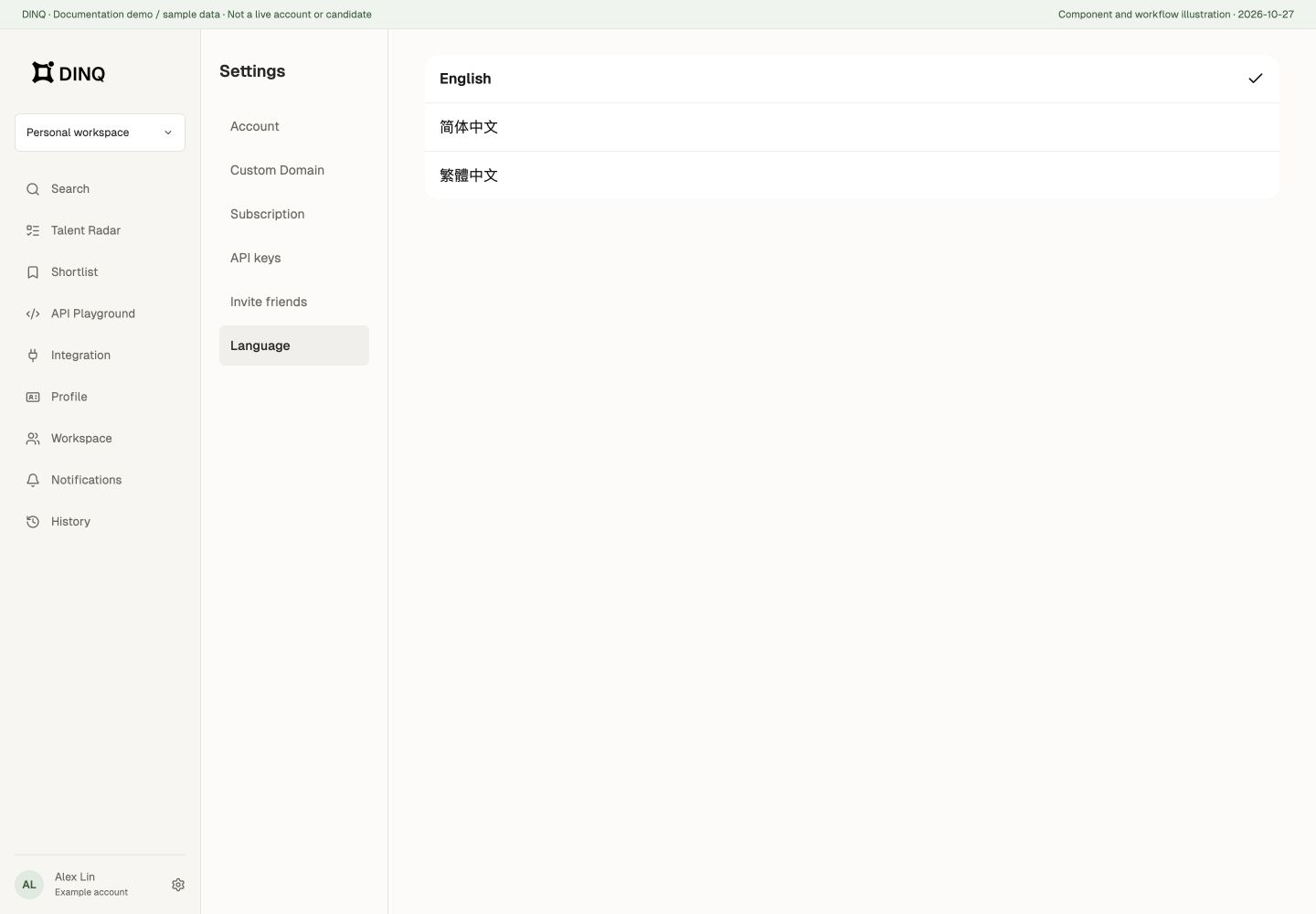
DINQ supports English, Simplified Chinese, and Traditional Chinese in the product interface. You can update your interface language in account settings.
The documentation center also offers English, Simplified Chinese, and Traditional Chinese. Use the language menu at the bottom of the documentation sidebar to open the same topic in another language. This changes only the documentation language, not your product account settings. Traditional Chinese text, navigation, and search content stay synchronized with Simplified Chinese documentation, with corresponding Traditional Chinese figures and a PDF guide.
Conversational AI language
You can describe requirements in natural language, but input language is not the output-language setting for every module. Structured search responses and new profile generation use the current interface locale.
The new search-page profile generates English in the English interface and requests Chinese in Simplified or Traditional Chinese interfaces. Switching language may require a new generation; do not assume different languages share the same free cached profile.
Outreach drafts have a separate language selector in the email editor. Names, project titles, source excerpts, and external pages are not automatically translated by switching interface language.