Resume Management
Upload, preview, download, and organize your own PDF resume versions.
Open Profile, then its Resume tab. This manages your own resumes, not candidate profiles or the help center's PDF user manual.
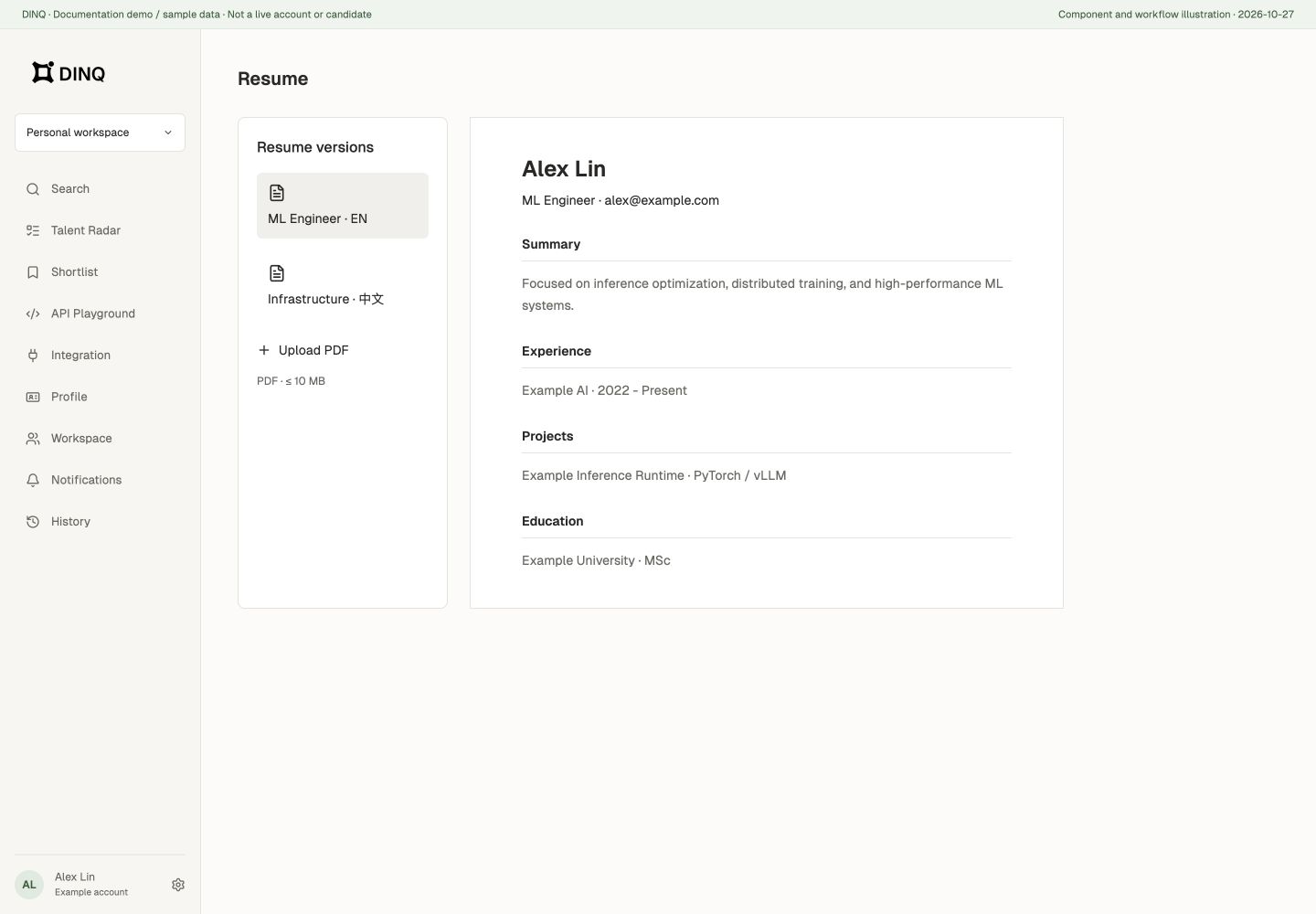
Upload and preview
- Upload an existing resume, or open the create-resume dialog to name it and select a file.
- Use a PDF no larger than 10 MB.
- Wait for upload and processing, then open the preview.
- Use Download when you need a local copy.
Preview or download may be unavailable during processing. Uploading another version does not automatically replace all existing resumes.
Multiple resumes
Switch versions through the resume list, rename them by role or language, and delete versions you no longer need. Check the selected file before deletion.
This flow uploads and manages existing PDFs. Do not assume it provides from-scratch AI writing, automatic rewriting, or job applications. Uploading a resume and publishing a public Profile are separate actions.