Notifications
Review system notifications and unread alerts.
Notifications shows DINQ system notifications and unread alerts. It is not an inbox for chatting with candidates.
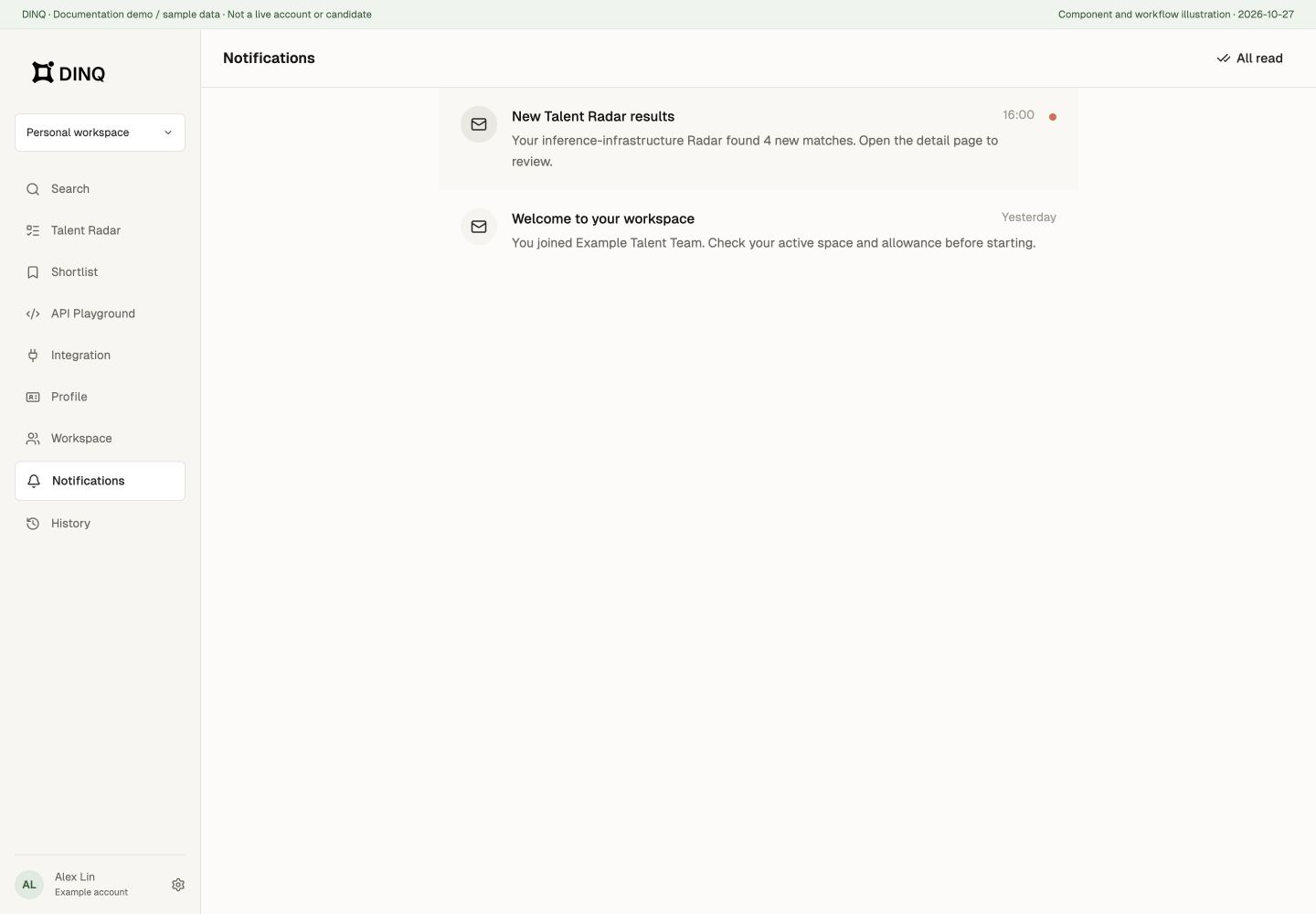
Open Notifications
On desktop, open the account menu at the bottom left and choose Notifications. On mobile, go to My > Notifications.
Review and manage notifications
- Open a notification to read its details and mark it as read.
- When there are unread notifications, use Mark all as read to clear them.
- If a notification has a linked page, confirming or closing its details opens that page.
Contact candidates
DINQ's private messaging feature has been retired. Old inbox links no longer open chat conversations. To contact candidates, see Outreach for email and related contact workflows.