Create Account
Learn email registration, password sign-in, and Google, GitHub, or WeChat sign-in.
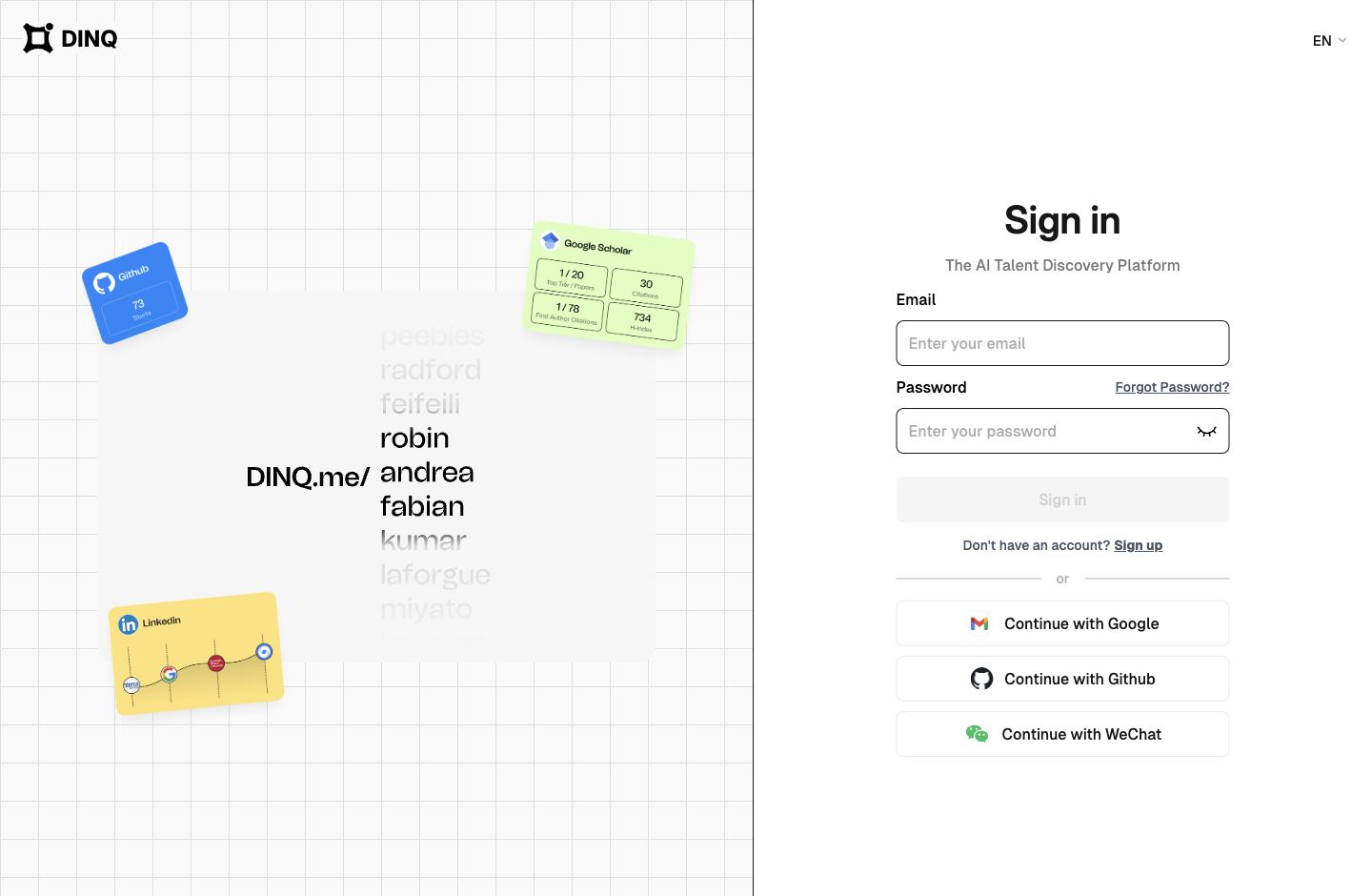
Sign up with email
Enter your email, set and confirm a password, then request an email verification code. Enter the six-digit code to complete registration.
Sign in with email and password
If you already have an account, sign in with your email and password. You do not need a new verification code each time. If you forget your password, use the password reset option on the sign-in page.
Continue with Google or GitHub
You can also continue with Google or GitHub. After sign-in succeeds, DINQ creates or opens your account automatically.
Sign in with WeChat
Choose WeChat on the sign-in page. Follow DINQ's WeChat Official Account as shown in the dialog, or send it the message “登录”. Enter the six-digit code it replies with into the DINQ sign-in dialog.
This is not a direct QR-code authorization flow. On your first sign-in, enter your name when prompted. WeChat sign-in does not automatically bind an email address to your account.
If your registration code does not arrive
- Check that you entered the correct email address.
- Check your spam or junk folder.
- Resend the code from the verification-code page.
- Contact support if the code still does not arrive.
What you can do next
After registration, you can search for talent or follow the guided flow to create a Profile.
Next, you may want to read:
- Search Candidates: Learn how to run your first talent search.
- Create Profile: Build your public professional profile on DINQ.