Search History
Find and manage past conversations and restore active searches.
Recent conversations appear in the sidebar. Open History to search earlier records and reopen conversations. Record types can include talent search, advisor matching, citation queries, and analysis.
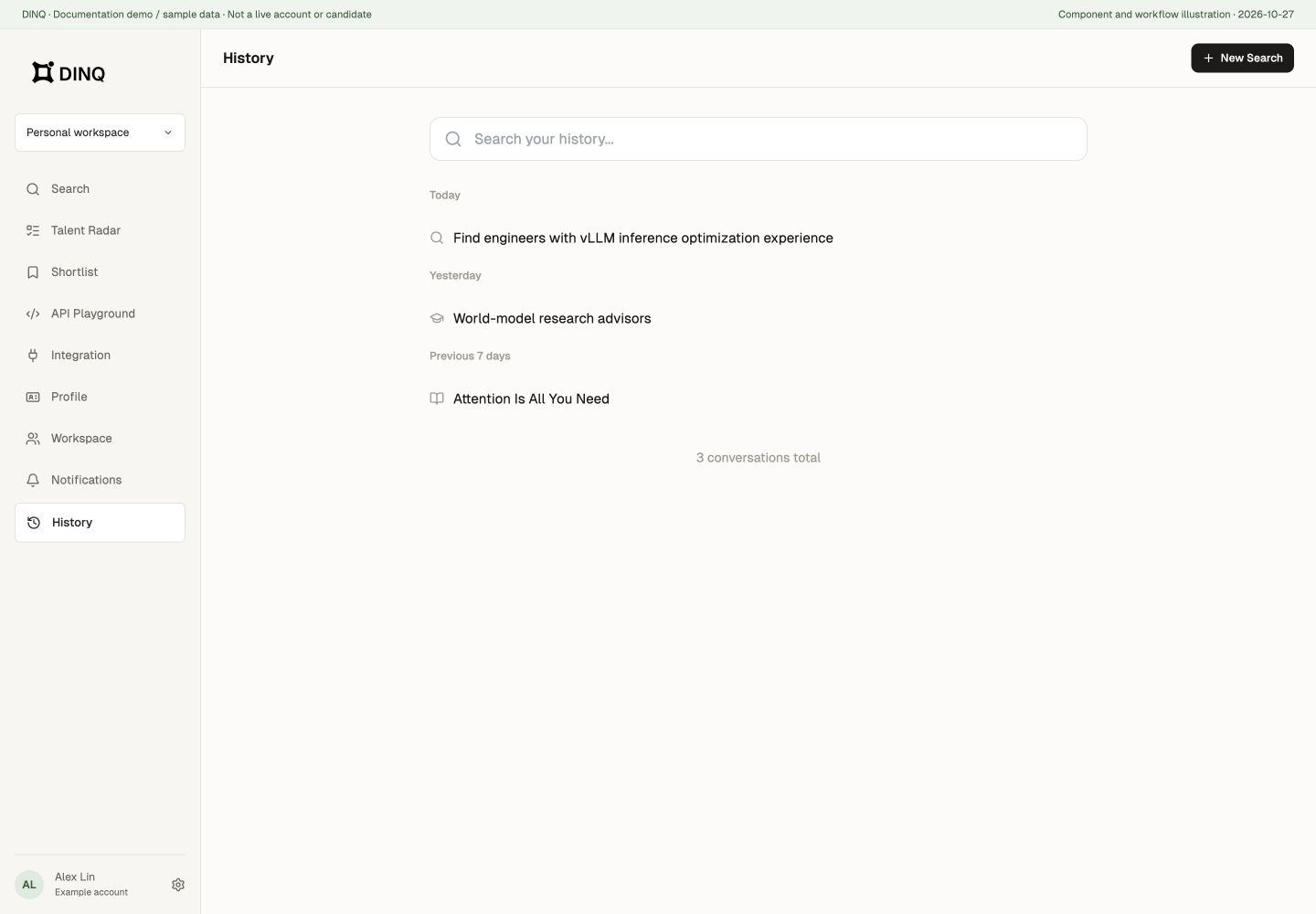
Find, rename, and delete
- Filter by title keywords and open a record to review or continue it.
- Use a sidebar history item's more-actions menu to rename an editable conversation.
- Check the title and workspace before deleting; deleting history is not deleting a person's public profile.
History depends on the account and selected workspace. An example replay is not a saved live search.
Restore a running search
Leaving the search page does not necessarily stop its background work. On returning to a history conversation, DINQ attempts to restore available records and active progress. Check the state before refining or starting another search to avoid unintended duplicate charges.
Use the search's Stop action when you no longer want it to run. Completed, stopped, failed, deleted, or inaccessible sessions are not guaranteed to resume. A network disconnection does not automatically refund or undo completed operations.